

Google Business Profile: Get Listed on Maps
A practical guide to creating, verifying, and maintaining a Google Business Profile for stronger local visibility and better customer actions.

In this article
- What a Google Business Profile does
- Google Business Profile create: prepare before you start
- How to create the profile
- Verification: what to expect
- How to improve the chance of appearing in Google Maps
- What agencies should measure
- Common mistakes that damage local visibility
- A practical maintenance routine
Google Business Profile: How to Get on Maps
I have set up and repaired enough local marketing campaigns to know that a Google Business Profile is rarely the complicated part. The difficult part is getting the business information, ownership, service area, categories, reviews, and location signals to agree with one another.
That distinction matters for agencies, freelance media buyers, franchise operators, and small businesses. A profile can be created in minutes, but a careless setup can create verification delays, duplicate listings, suspended profiles, or a map presence that does not match the business customers actually experience.
In this guide, I will walk through how I approach a google business profile from creation through verification and ongoing optimization. I will also separate the actions that improve eligibility and clarity from the promises that no marketer can honestly make about map rankings.
What a Google Business Profile does
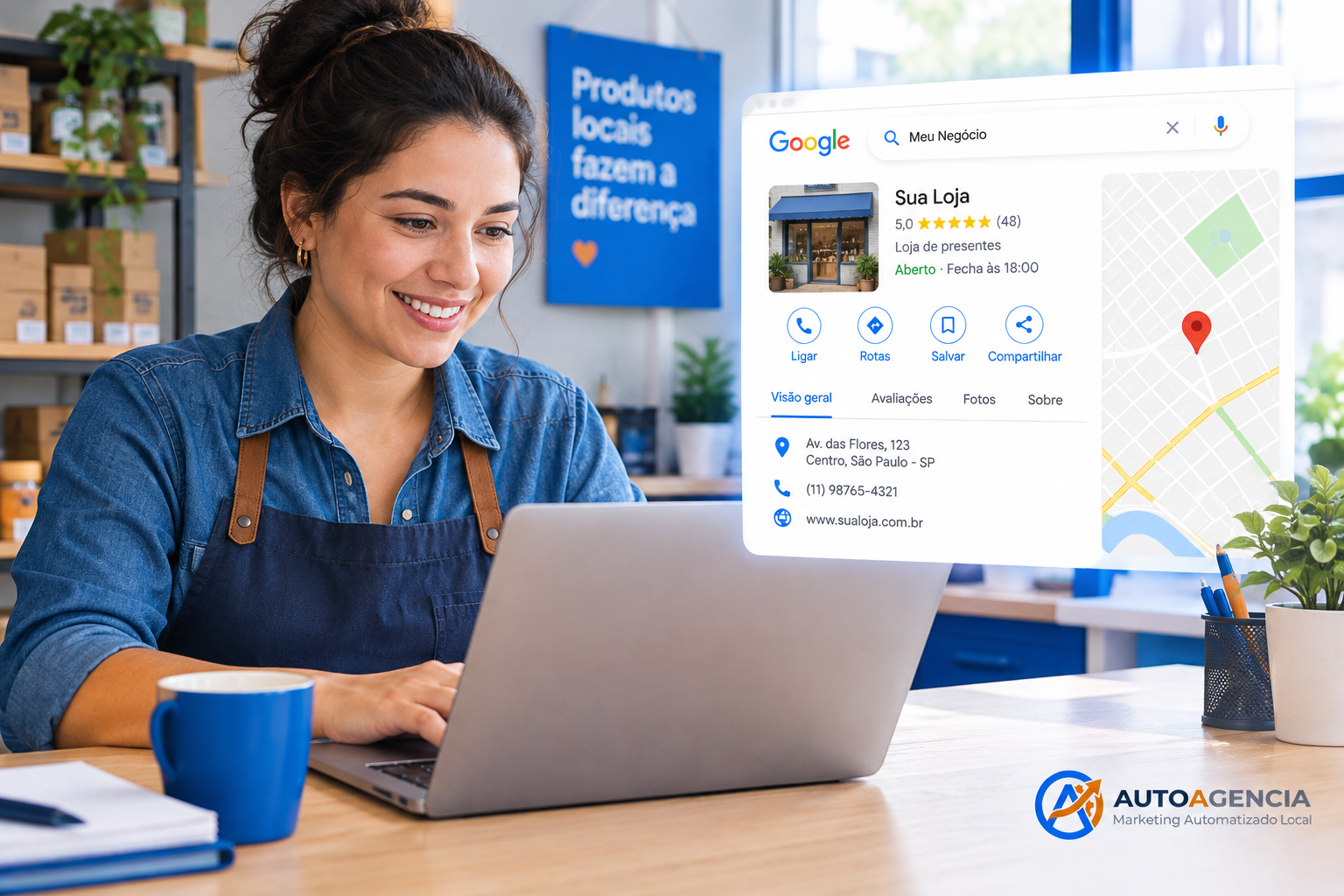
A Google Business Profile is the business listing that can appear in Google Search and Google Maps. It can show the business name, address or service area, phone number, website, hours, category, photos, reviews, products or services, and other details that Google makes available for a specific business type.
The profile is not a substitute for a website, paid search campaign, tracking system, or good customer service. It is one local presence managed through Google's business tools. The information needs to be accurate because customers use it to decide whether to call, visit, request directions, or contact the company.
For agencies, I recommend treating the profile as an operating asset rather than a one-time directory submission. The person who owns the business should retain ownership, while the agency receives the access level required to manage the listing. That makes client transitions safer and avoids tying a valuable profile to an individual employee's account.
You can review the broader services we provide from the AutoAgency home page, and you can see my background on the Carlos de Oliveira author page.
Google Business Profile create: prepare before you start
Before beginning a google business profile create process, collect the information that must remain consistent across the profile and the rest of the business's public presence. I use this checklist with clients:
- The real-world business name, without extra keywords or promotional phrases.
- The correct primary phone number and website URL.
- The physical address, if customers can visit a staffed location.
- The service area, if the company travels to customers and does not receive them at a public storefront.
- Regular and special hours, including holiday changes when available.
- A primary category that describes the core business, plus relevant secondary categories.
- A concise business description written for customers rather than stuffed with search terms.
- Original photos and any documents that may help with verification.
The most common mistake I see is starting with marketing language instead of operational facts. A business name such as “Best Emergency Plumber Near Me - Dallas” may look like an attempt to capture searches, not the name customers encounter in the real world. Use the actual business name and let the category, services, website, reviews, and other signals provide context.
How to create the profile
Start from Google's official business profile workflow while signed in to the Google account that should retain primary ownership. Search for the business first. If a listing already exists, claim or request access to it instead of creating a second profile. Duplicates can confuse customers and create a harder ownership problem later.
If the business does not have a listing, enter the official name and choose the category that best describes what it primarily does. Google may ask whether customers can visit the business location. Answer this based on the actual customer experience, not the address used for mail or registration.
A service-area business should not present a private residence as a public storefront. Conversely, a real location with staff and customer access should not hide its address merely because the business also travels. The correct setup depends on how the business serves customers.
For multi-location companies and franchise networks, create a repeatable location data process. Each location should have its own accurate details, local phone handling, hours, and approved naming convention. Do not copy a single description or set of photos blindly across every branch. A shared template can improve consistency, but each listing still needs location-specific information.
Verification: what to expect
Google decides which verification methods are available for a business. Depending on the profile and Google's requirements, the available process may involve video, phone, email, live video, or another method shown inside the account. Because the available options can change, I do not promise a specific verification method to a client before Google displays it.
When video verification is offered, prepare to demonstrate that the business exists and operates as described. The exact prompts come from Google, so follow the instructions shown in the profile. In practical terms, the business should be ready to show relevant location or operational evidence without exposing unnecessary private information.
Do not create a false storefront, rent a mailbox as if it were a customer-facing location, or submit fabricated documents. A shortcut can create a verification problem that is much harder to resolve than an honest setup.
| Business type | Address visibility | Key setup priority | Common error |
|---|---|---|---|
| Storefront with customer visits | Usually display the staffed customer-facing address | Accurate location, hours, category, and directions | Using a virtual address or hiding a real storefront |
| Service-area business | Use the service-area configuration when customers do not visit the address | Define service coverage and explain the service clearly | Publishing a private residence as a public office |
| Hybrid business | Reflect both the real location and service area where supported | Make the visit and service process unambiguous | Failing to explain when customers can visit |
| Franchise or multi-location brand | Configure each eligible location separately | Consistent governance with local accuracy | Creating duplicates or using identical local data |
How to improve the chance of appearing in Google Maps
Verification does not guarantee a top position in Maps. Google determines local visibility using signals that can include relevance, distance, prominence, profile information, reviews, and other factors. Marketers should explain this clearly because ranking position varies by searcher, location, query, competition, and time.
My first priority is relevance. Select the most accurate primary category, complete the services that genuinely apply, describe the business plainly, and keep the hours current. A profile that gives Google and customers a clear answer is easier to understand than one packed with unrelated categories and keywords.
My second priority is accuracy across the customer journey. Test the phone number, website, booking link, directions, and opening hours. Ask a person who does not know the business to read the listing and explain what they think the company does. Confusion in that test is usually a useful warning.
My third priority is a legitimate review process. Ask real customers for honest feedback after a completed transaction, using a process that follows Google's policies and applicable local rules. Do not buy reviews, pressure customers to use a specific rating, or write reviews on the client's behalf. A larger review count cannot compensate for a damaged reputation or a policy violation.
Photos can also help customers understand the business. Use current, genuine images that represent the location, team, products, vehicles, or work where appropriate. The goal is not to create a stock-photo gallery. It is to reduce uncertainty before someone calls or visits.
What agencies should measure
Do not report “we are number one on Maps” as the entire result. A ranking observed from the office computer is not a universal ranking for every searcher. I prefer to connect profile management to business actions that the client can understand and audit.
- Profile views and interactions available in the profile reporting interface.
- Calls, website visits, direction requests, messages, or bookings where tracking is available.
- Answered-call rate and lead quality, not only lead volume.
- Review volume, review response time, and recurring customer complaints.
- Listing accuracy, duplicate risk, rejected edits, and verification issues.
- Conversions from tracked website forms, booking systems, or call tracking.
Use a consistent reporting period and document important changes. If a phone number, category, service area, or website changes, record the date. Otherwise, the team may mistake a setup change for a ranking or lead-generation result.
Common mistakes that damage local visibility
Creating duplicate profiles
Duplicate listings split customer signals and can confuse ownership. Search for existing profiles before creating a new one, especially after a move, rebrand, acquisition, or franchise transfer.
Changing the business name with keywords
Adding services, cities, slogans, or claims to the official name creates an inaccurate representation. Keep the name aligned with real-world branding.
Ignoring suspended or rejected changes
A rejected edit is not an invitation to submit the same information repeatedly. Check the business facts, gather appropriate evidence, and use the available appeal or support process when necessary.
Promising a guaranteed map position
No agency controls every local ranking variable. A responsible proposal promises a process, accurate implementation, measurement, and communication—not a guaranteed position that the agency cannot control.
A practical maintenance routine
After verification, review the profile at least whenever the business changes hours, services, phone numbers, locations, or booking procedures. For active clients, I also schedule a recurring quality check. I confirm that the listing still represents the business, inspect new reviews, test important links, look for duplicate risks, and compare profile actions with qualified leads.
The strongest Google Business Profile work is boring in the best possible way: the name is accurate, the location is honest, the category is relevant, the hours are current, the reviews are genuine, and the reporting connects visibility to real customer actions. That foundation gives agencies and business owners a credible local asset without relying on shortcuts or invented ranking guarantees.